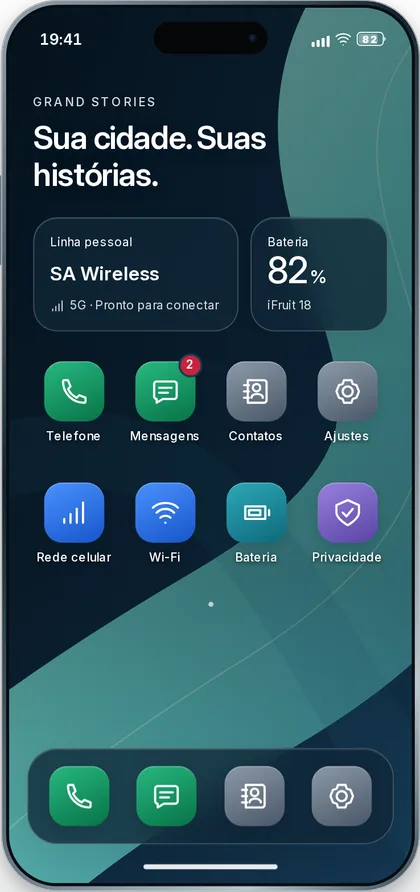

iFruit 18 · FruitOS
iFruit Roadmap
The Grand Stories phone is built in phases, from the device to the economy. Here is what already works on the server and what comes next.
Updated October 27, 2026
- Done
- Partial
- To do
- 0
Done
Phase 0 — The device
Done
- Phone with IMEI, serial number, models and battery
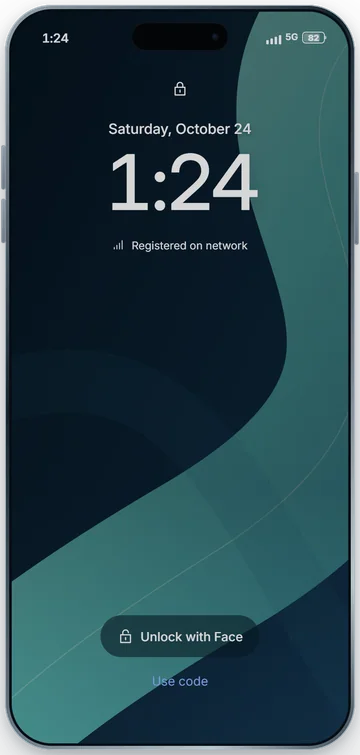
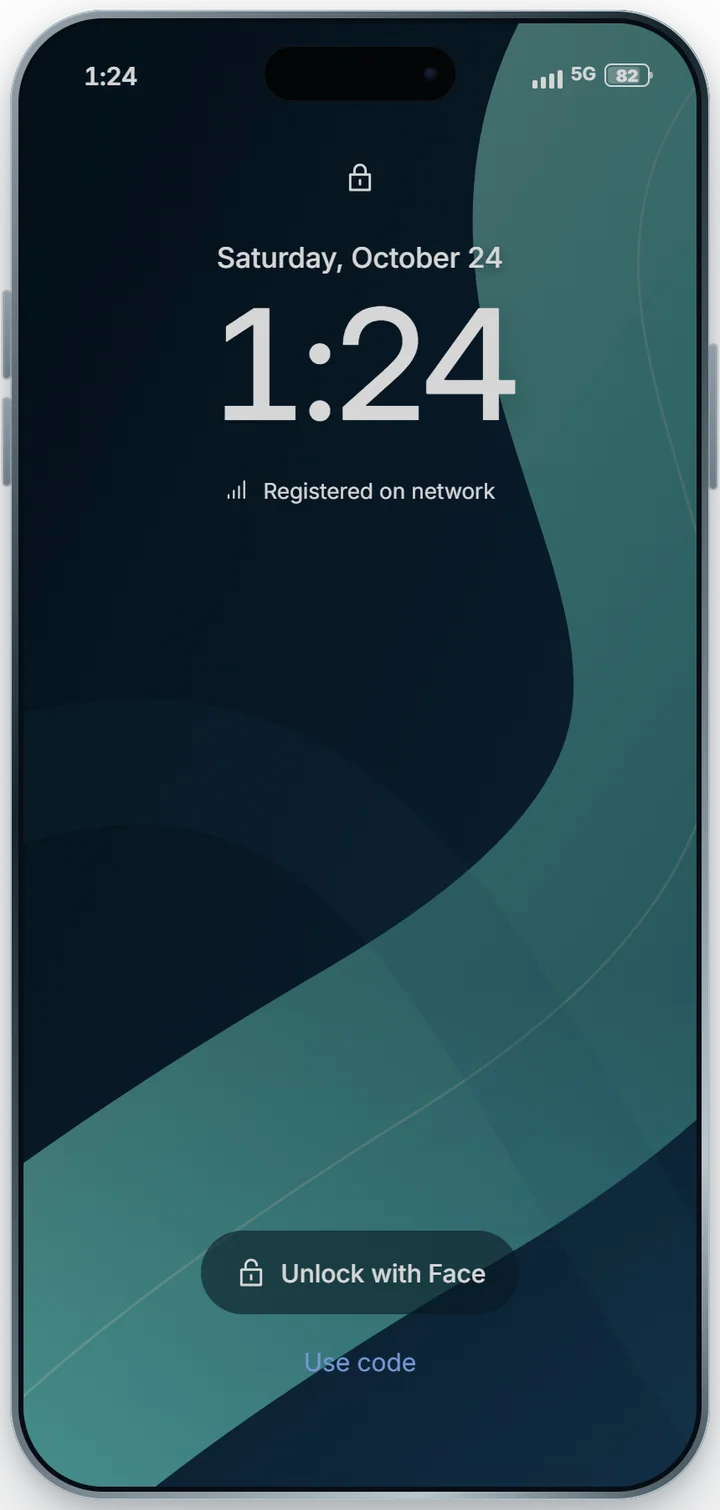
- Power on and off, passcode and pattern lock, Face ID (a mask blocks it)
- IMEI block, seizure, factory reset
- Phone and SIM as inventory items, tied to the character
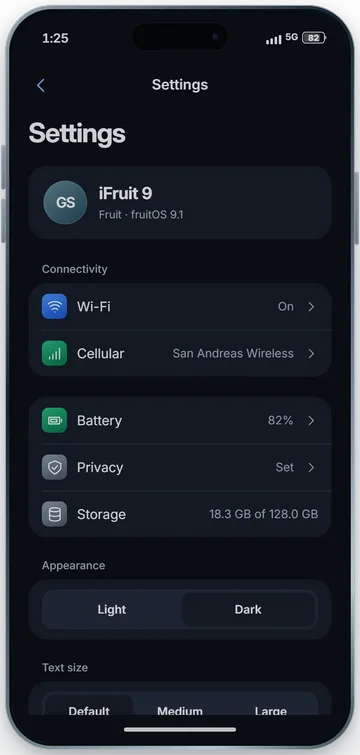
- FruitOS: setup assistant in many languages, lock screen, home screen, Settings, Store
- SDK for third-party apps, with permissions and storage
- 1
Done
Phase 1 — SIM, line and network
Done
- SIM with PIN and PUK, line with number and plan, activation from the phone itself
- Network with cell towers, signal bars, 5G and LTE, congested towers
- A real airplane mode
- 2
Done
Phase 2 — Calls and SMS
Done
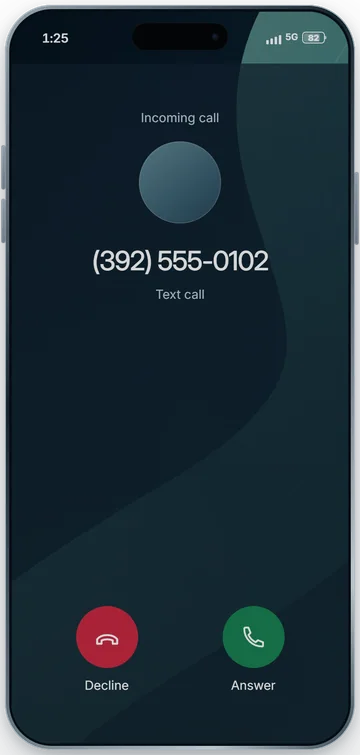
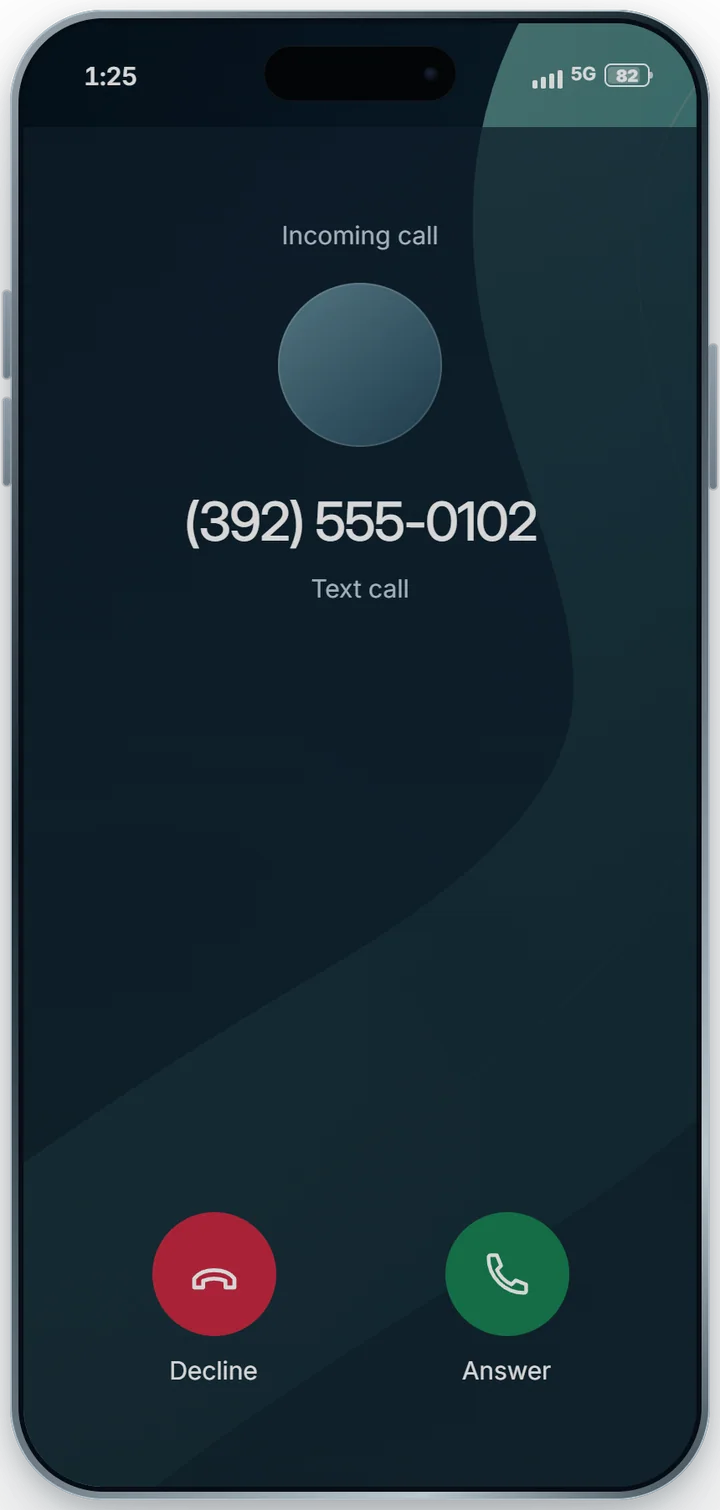
- Calls from the phone; speech goes through the chat, with ear and speaker range
- Native sounds and a YouTube ringtone; the character holds the phone to the ear
- Recents
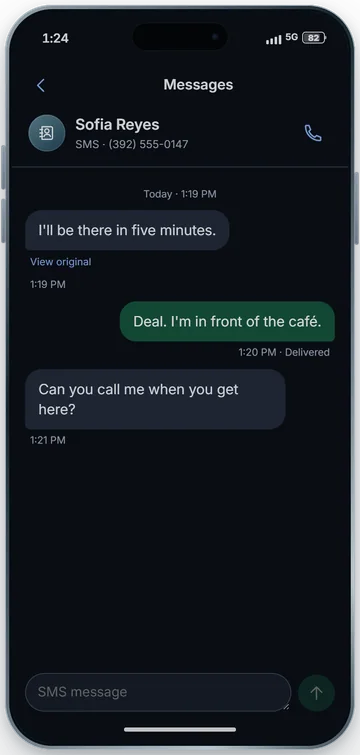
- SMS with a carrier queue: delivered when there is signal, expires after a while
- Service numbers (911, 611) with an API for other systems
- 3
Partial
Phase 3 — Contacts, Phone and Messages
Done
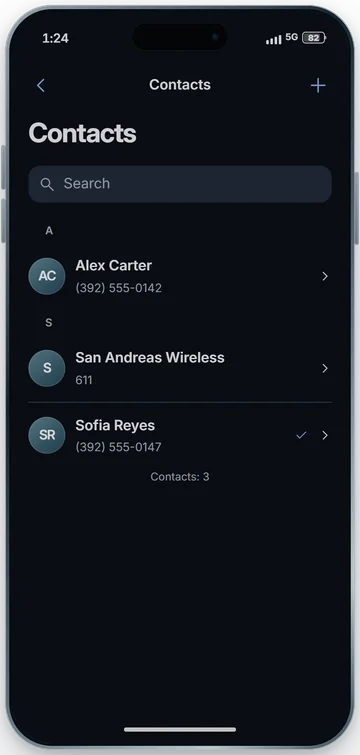
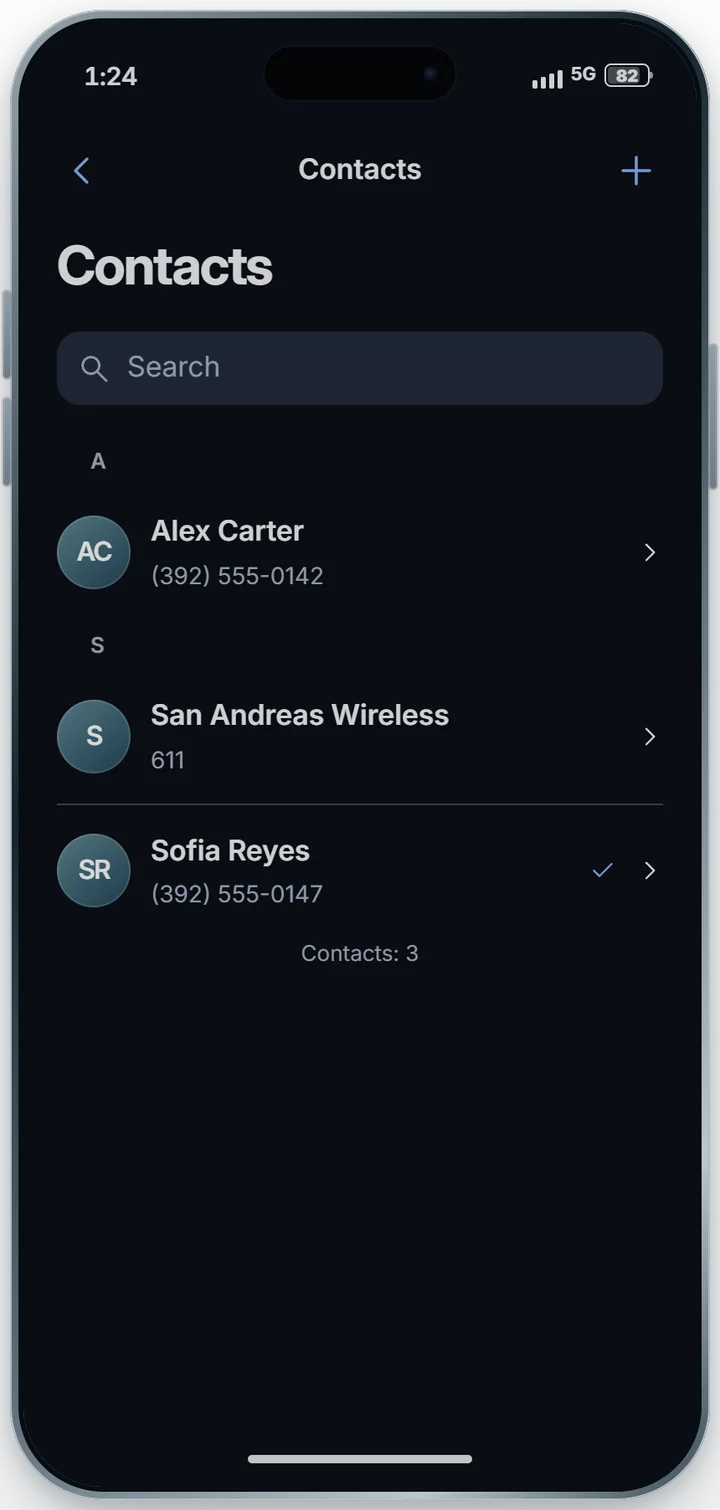
- Contacts: the device's address book, with photos
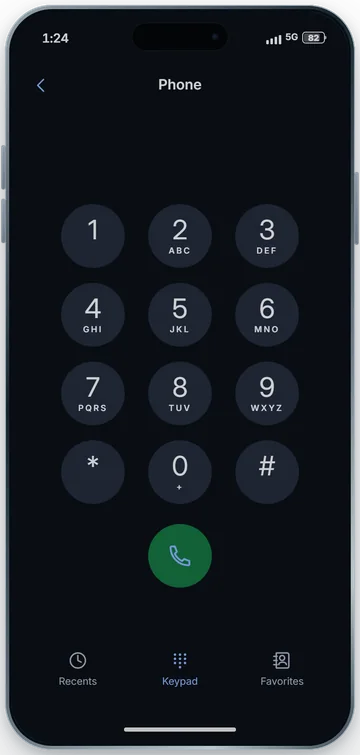
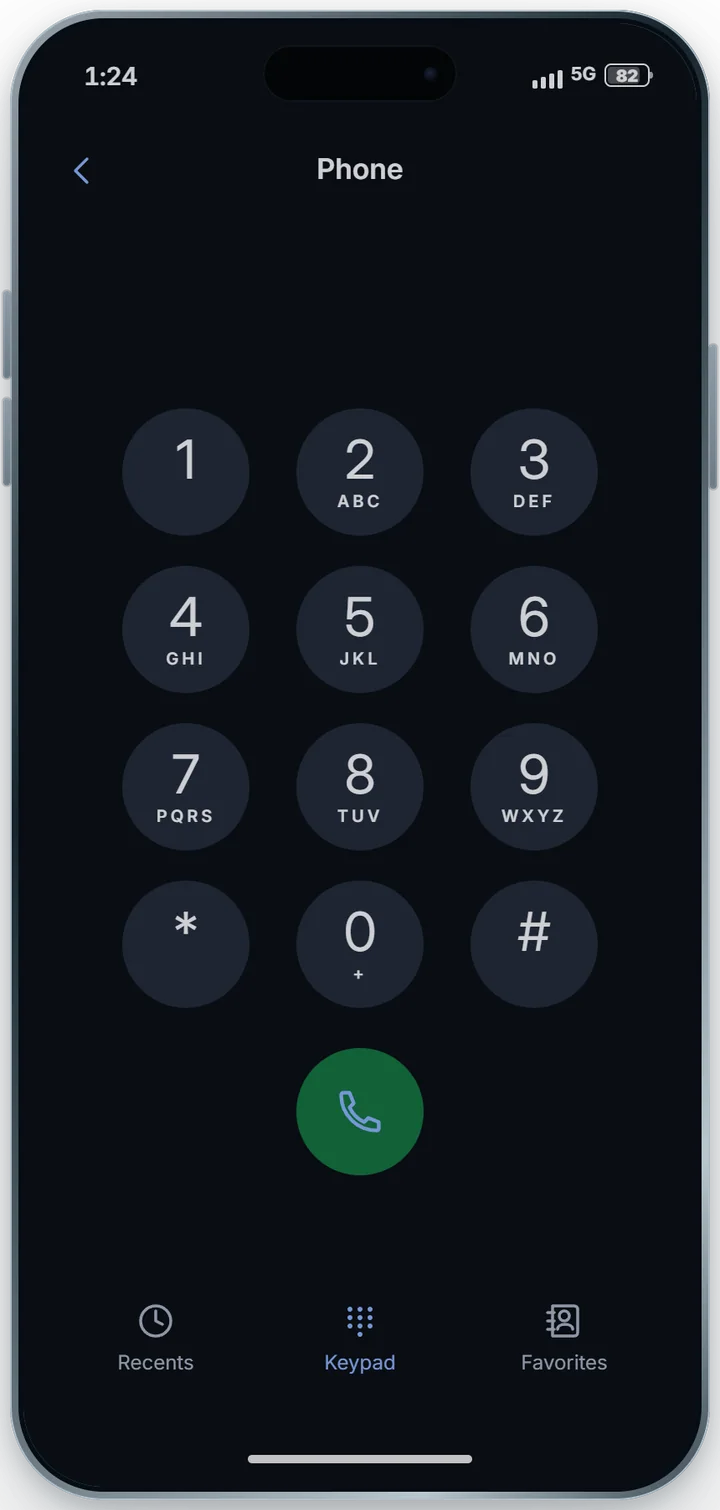
- Phone: keypad, Recents, Favorites
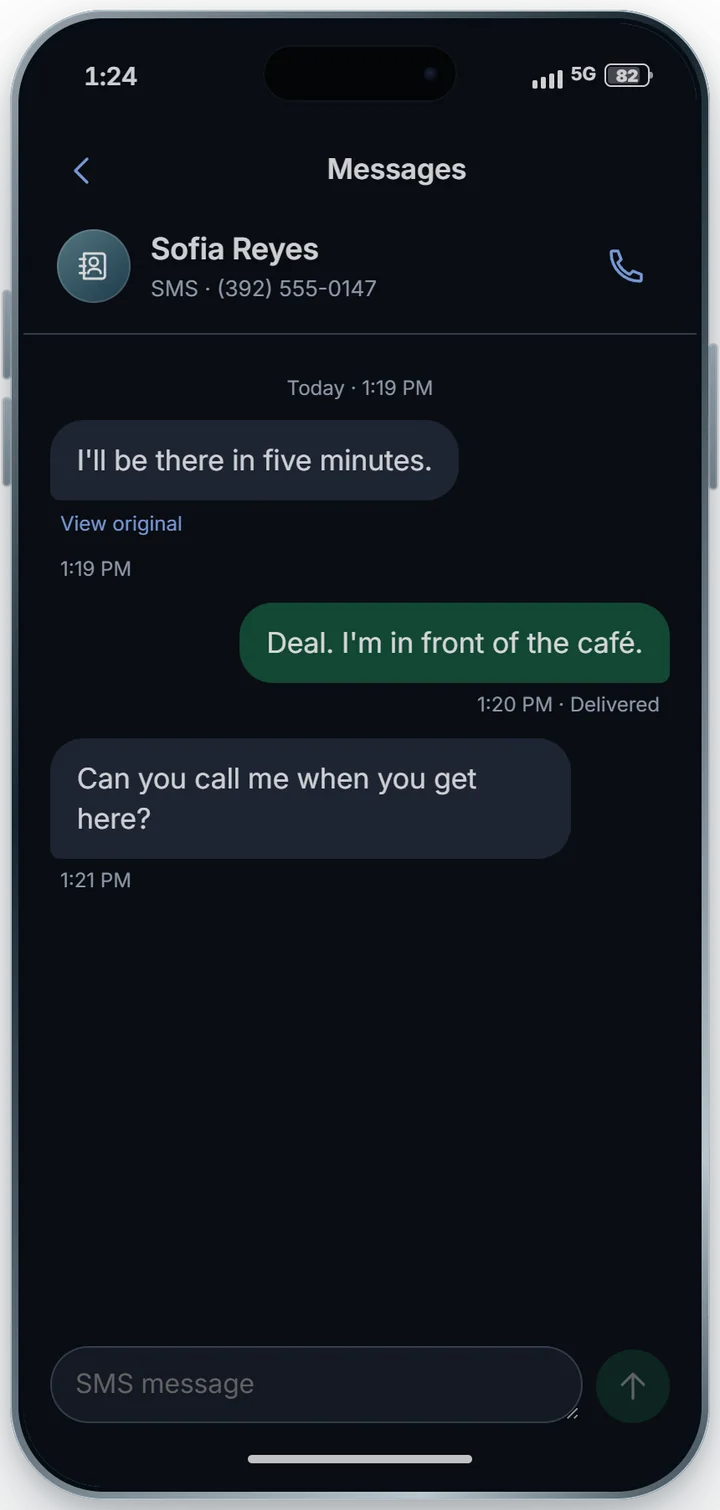
- Messages: conversations, delivery status, translation
To do
- Swipe to delete and mute the open conversation
- Per-conversation translation screen
- 4
Partial
Phase 4 — FruitOS
Done
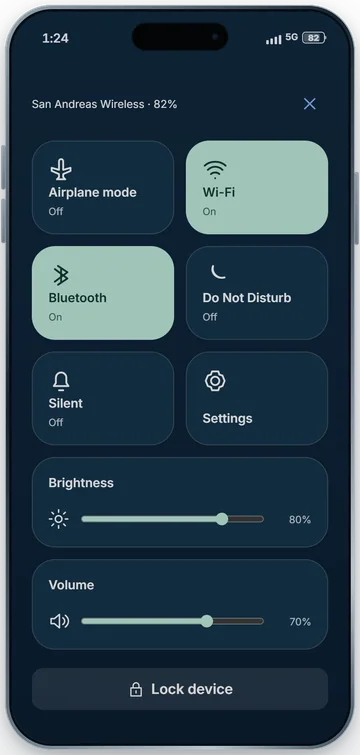
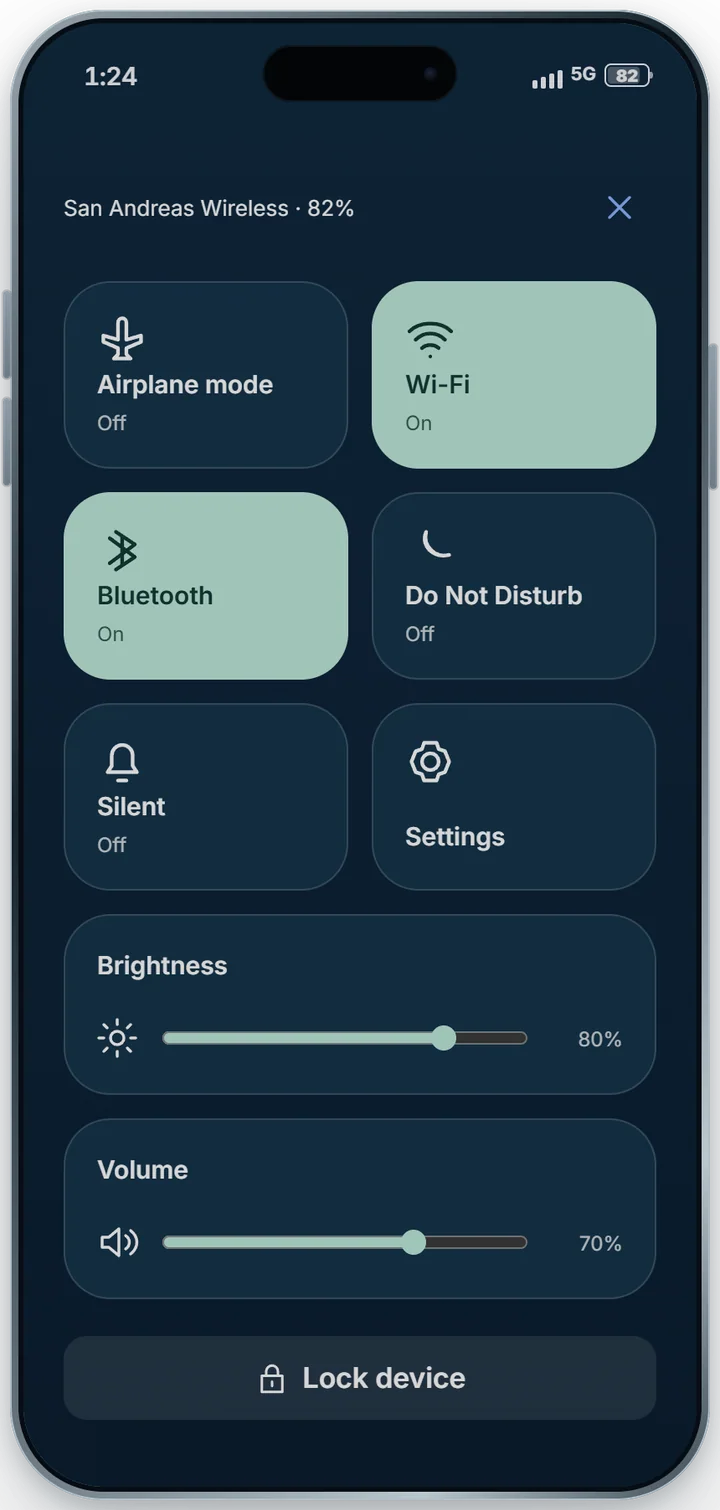
- Control center, notifications with sound, notification that peeks while the phone is away
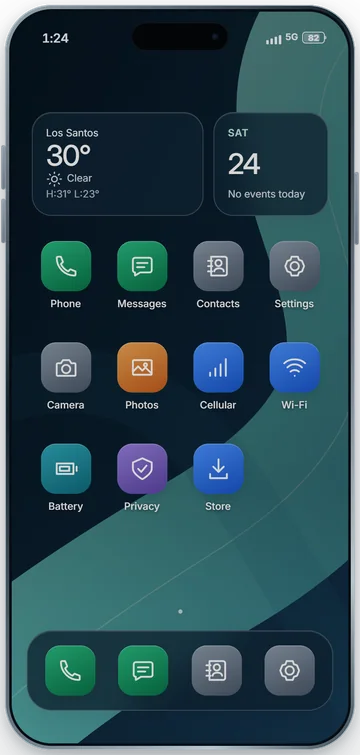
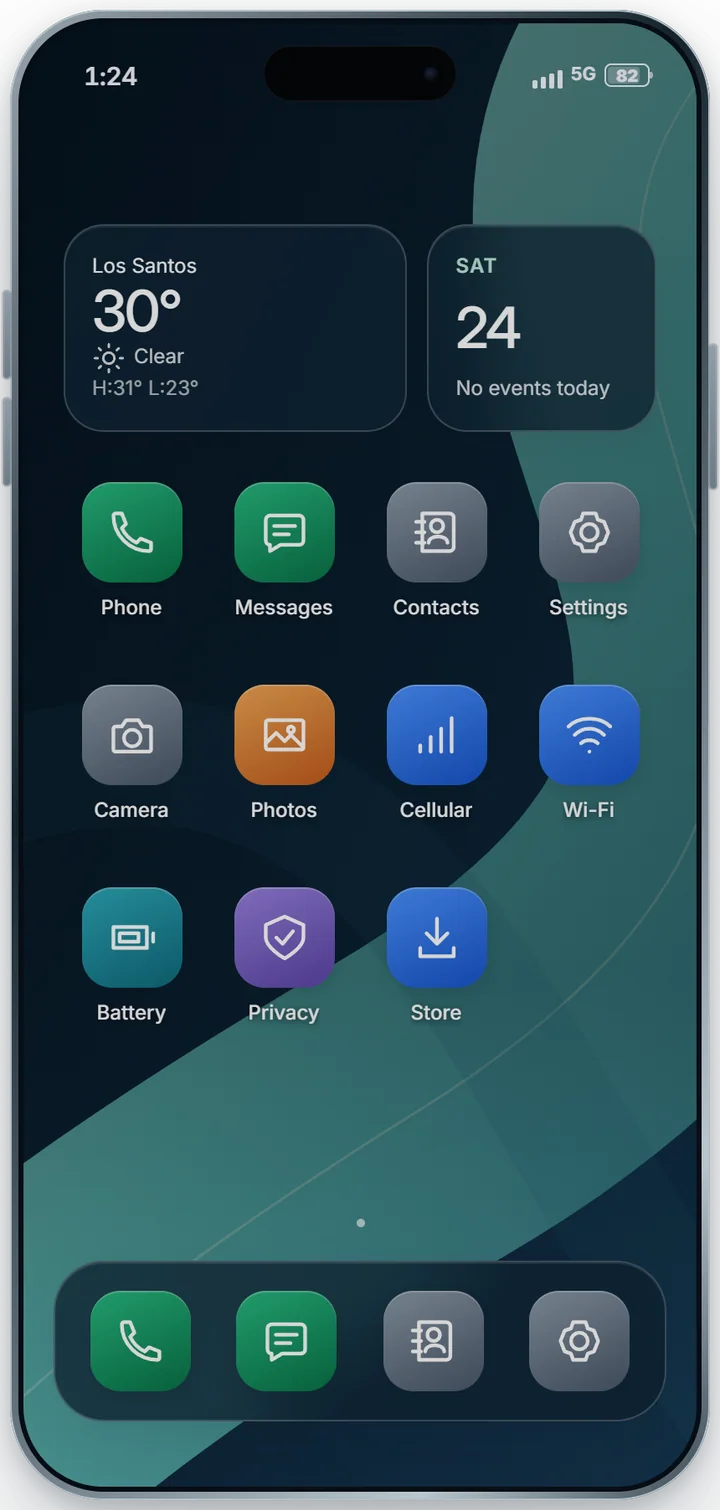
- Rearrangeable home screen with dock, press and hold, rotate the phone
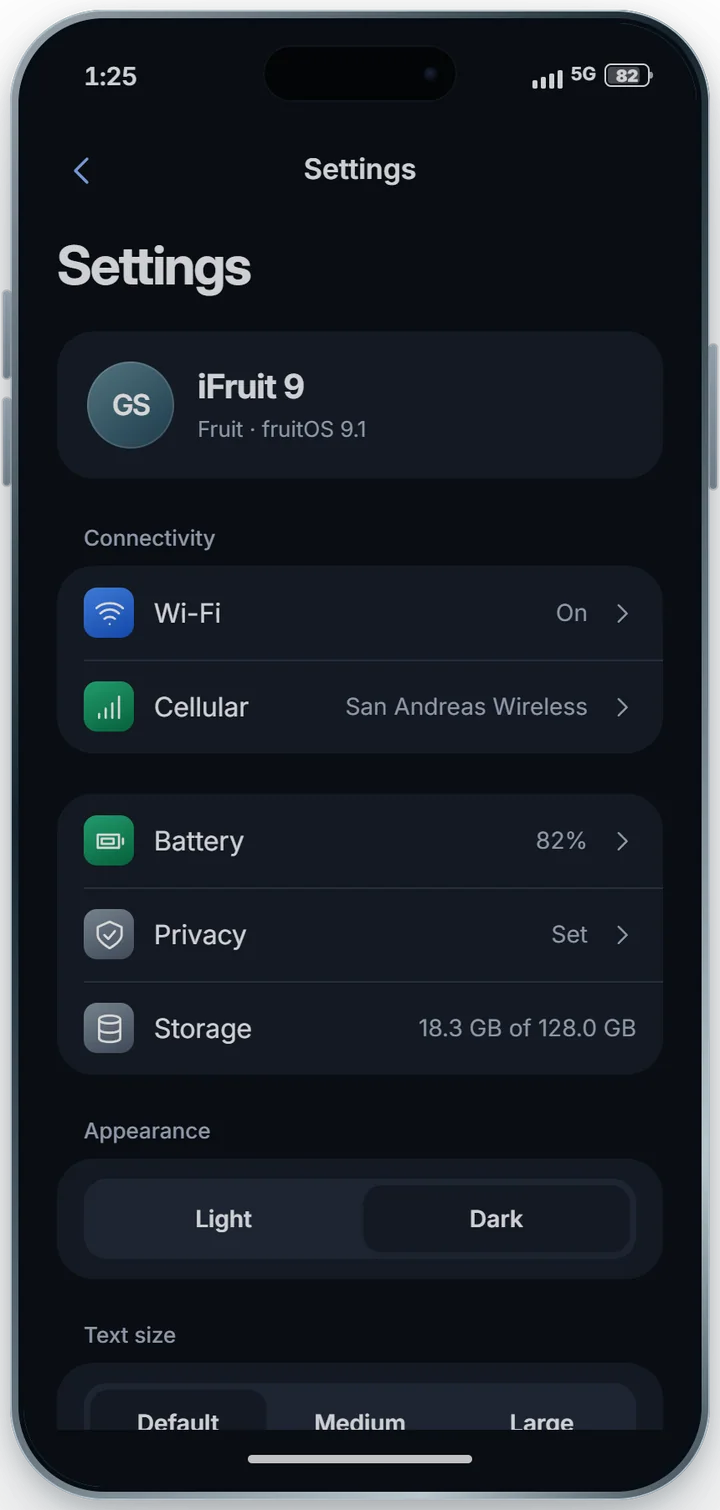
- Side buttons, power-off screen, text size, theme, language
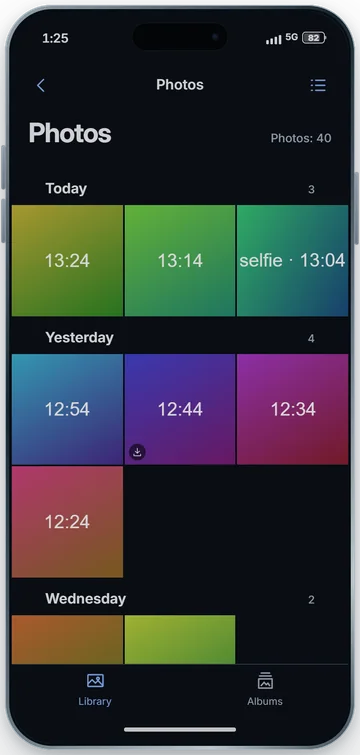
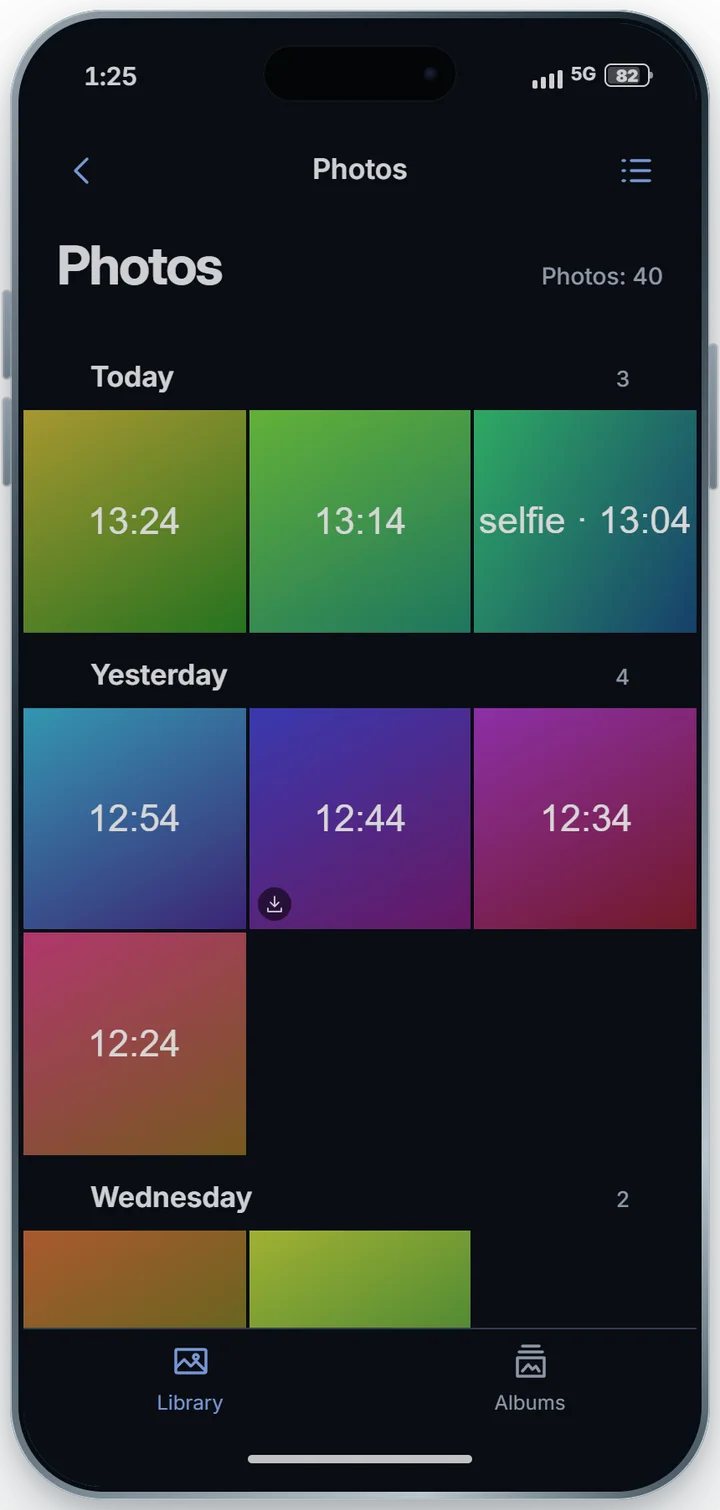
- Camera, Gallery with albums and Downloads
- App security: only photos the player picks, per-app limits
- Phone disabled while the character is dead or cuffed
To do
- Folders and pages on the home screen, notification center, app switcher
- Settings → Sounds, low power mode, date and time, accessibility
- 5
Partial
Phase 5 — Internet
Done
- Wi-Fi: networks around the map, open or with a password; the phone remembers them and rejoins on its own
- Mobile data with a per-line allowance every 30 days; when it runs out it slows down, never cuts off
- Cellular data switch and allowance bar in the Network app
- Store, apps with a server and sending photos need internet
To do
- Router as a player item (home and business)
- Share internet (hotspot)
- 6
Partial
Phase 6 — Advanced telephony
Done
- Speakerphone
To do
- Call waiting and conference
- Voicemail, forwarding and number blocking
- Private number by the player's choice
- 7
Partial
Phase 7 — Translation
Done
- One translation service for everything, with ordered translators and a cache
- SMS translated into the receiver's language, with per-conversation preference
- Call speech translated into the listener's language
To do
- Translation screen in the Messages app
- Translation for third-party apps
- 8
To do
Phase 8 — Device services
To do
- GPS with per-app permission and location sharing
- Find iFruit (locate a lost phone)
- Share a contact nearby and Bluetooth
- 9
To do
Phase 9 — Carrier and economy
To do
- Billing: prepaid, postpaid, top-up, packages, invoice
- Carrier stores, SIM kits, eSIM
- Other carriers, number portability and roaming
- 10
To do
Phase 10 — Integrations
To do
- 911 with real dispatch and an automated 611
- Business numbers with their own answering
- 11
To do
Phase 11 — Polish
To do
- Towers at their real places on the map
- Tests with many players at once
- Security and final review
What comes next
- Dmail: the server's e-mail, on the phone and in the browser
- DumbDad: the phone's browser
Try it
Use the phone right here.
It's the same interface that runs inside the city, with demo data: unlock it, open the apps, send messages and pull down the control center. In the city, everything comes from your character's line and device.
- Tap "Unlock with Face" to get in.
- Hold an app to arrange the home screen.
- Pull down from the top of the screen to open the control center.
Some parts are already on the server and are still being tested in game.